Choose places
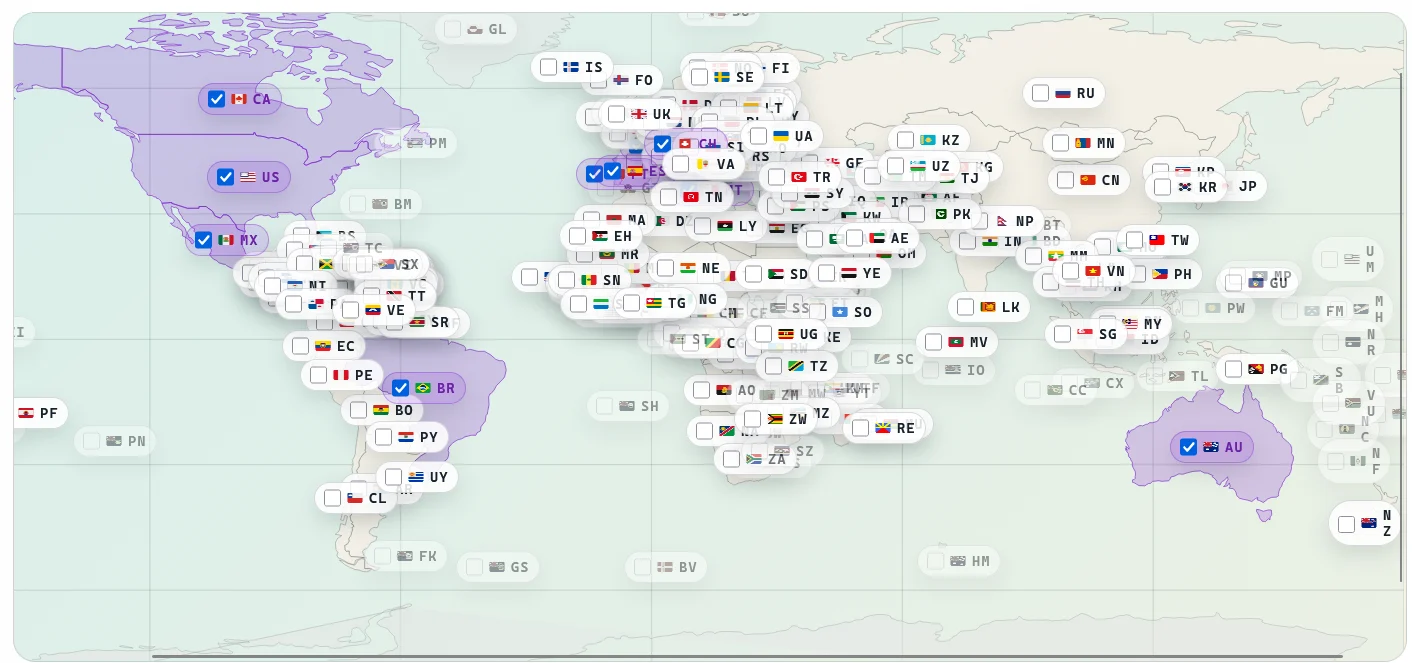
Pick countries from a map instead of manually collecting and organising every playlist.
Choose the countries you want. Butler adds the sources, controls the scans, remembers which routes work, and brings the result into TVHeadend and Kodi.
Built for testers today. Butler is useful now, but it is still changing quickly and will have rough edges.

How it works
TVHeadend is powerful, but a large international IPTV setup can become a second job. Butler stays behind the scenes and looks after the repetitive work.
Pick countries from a map instead of manually collecting and organising every playlist.
Sources are grouped, scans are queued, services are mapped and route choices are remembered.
TVHeadend remains the server and Kodi remains the television interface. Butler connects the pieces.
Country-led setup
The map turns a huge public catalogue into a deliberate selection. Butler keeps country identity attached to channels for grouping, numbering, flags and guide work.
Kodi integration
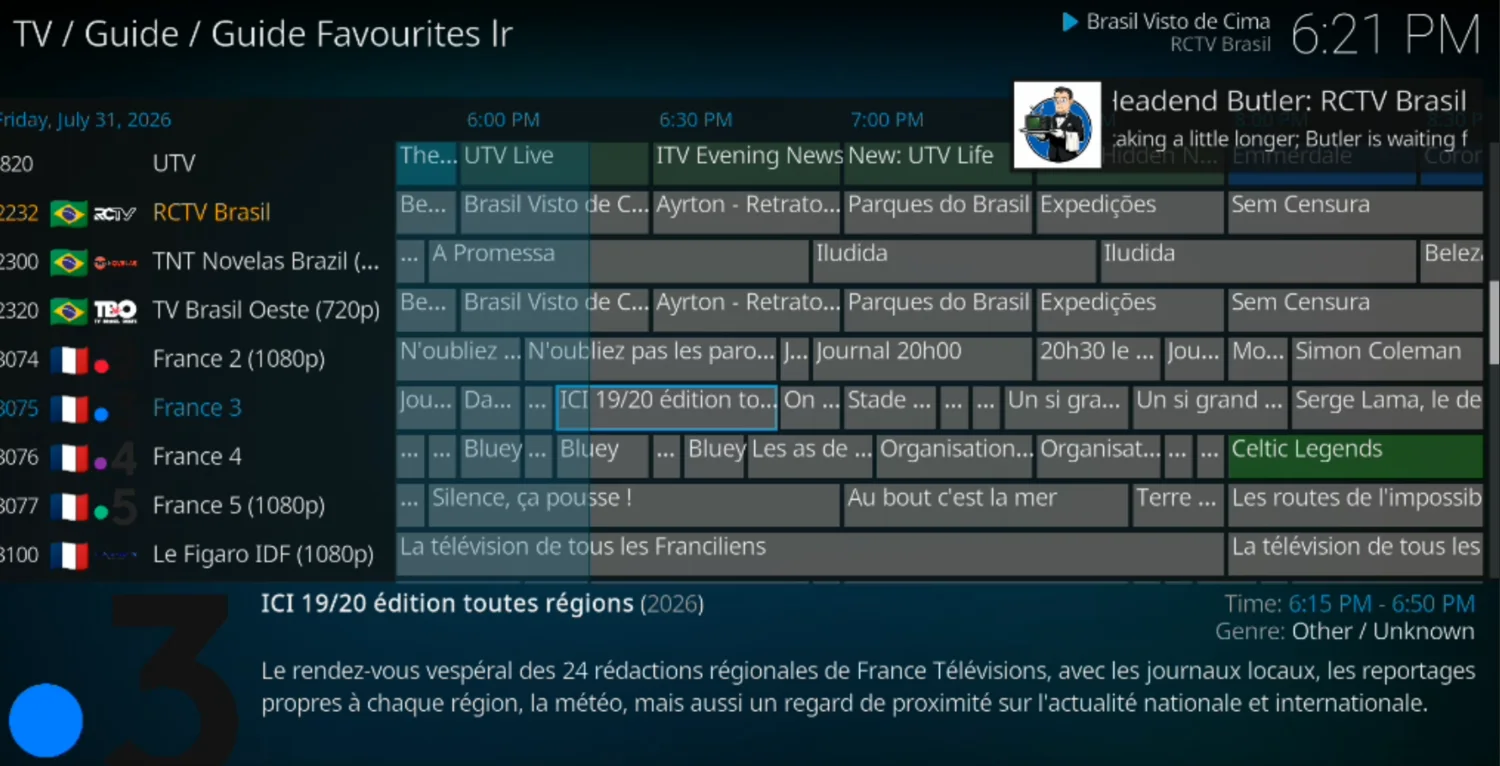
Butler Guide and the Inlet theme work alongside Kodi's normal PVR system. They add country flags, favourites, service actions and clear playback notices without replacing the guide.

Visible stream care
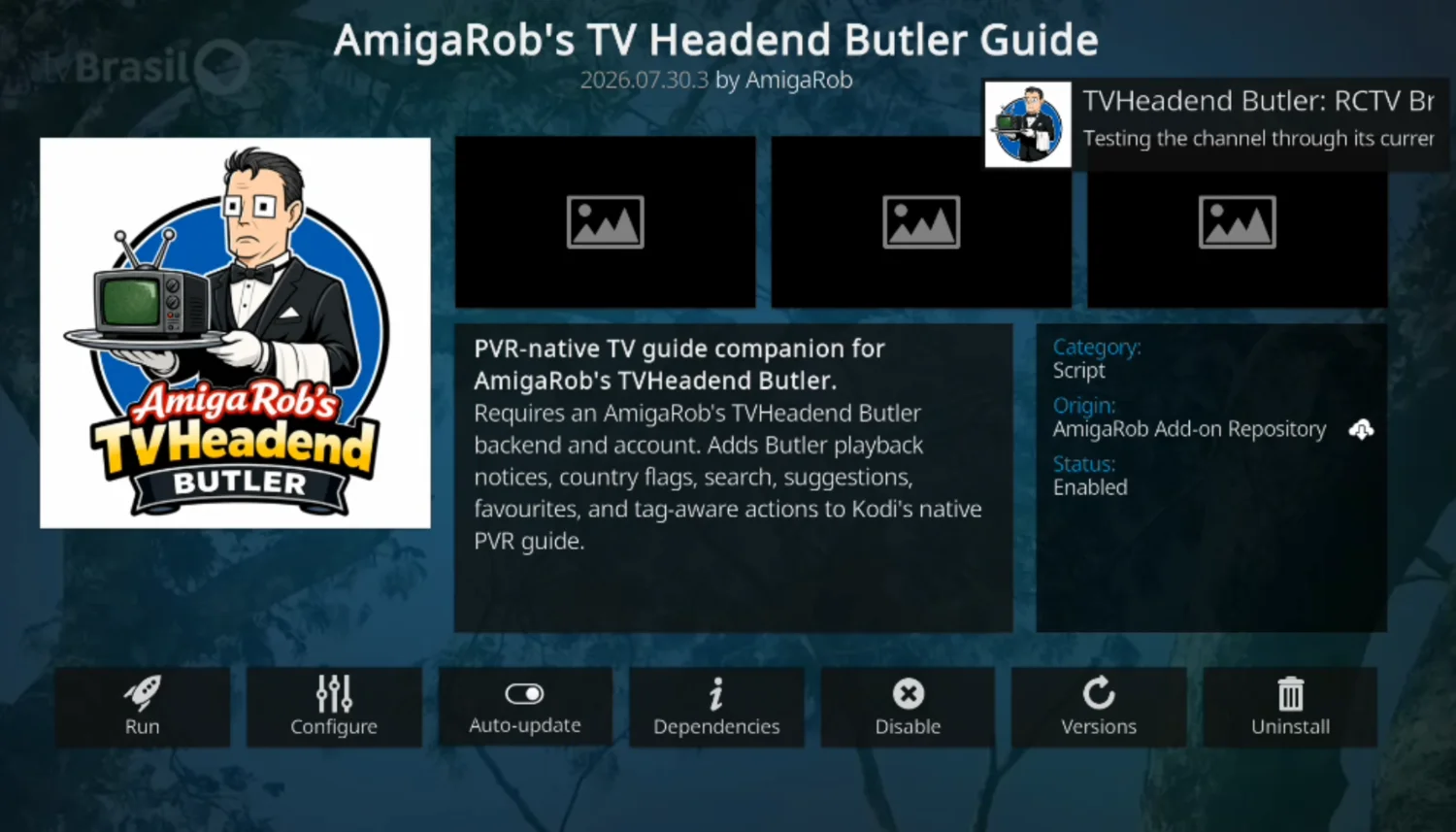
Kodi can show when Butler is opening a stream, checking its route or attempting a repair. Successful routes and stream behaviour can then improve later starts.
Who it is for
Butler is being built for international viewers, language learners, journalists, researchers and media enthusiasts who want many public television sources in one maintainable system.
Ready to try it?
Select TVHeadend, VPN support, Kodi and the countries you want. The generator produces one command without putting account details or passwords into the webpage.